

One app. All the leading open source separation models.
HTDemucs, Roformer, and the rest live in one studio. Ruby is open for everyone. Split in the browser with Voclr credits, or run unlimited on your Mac with Pro.
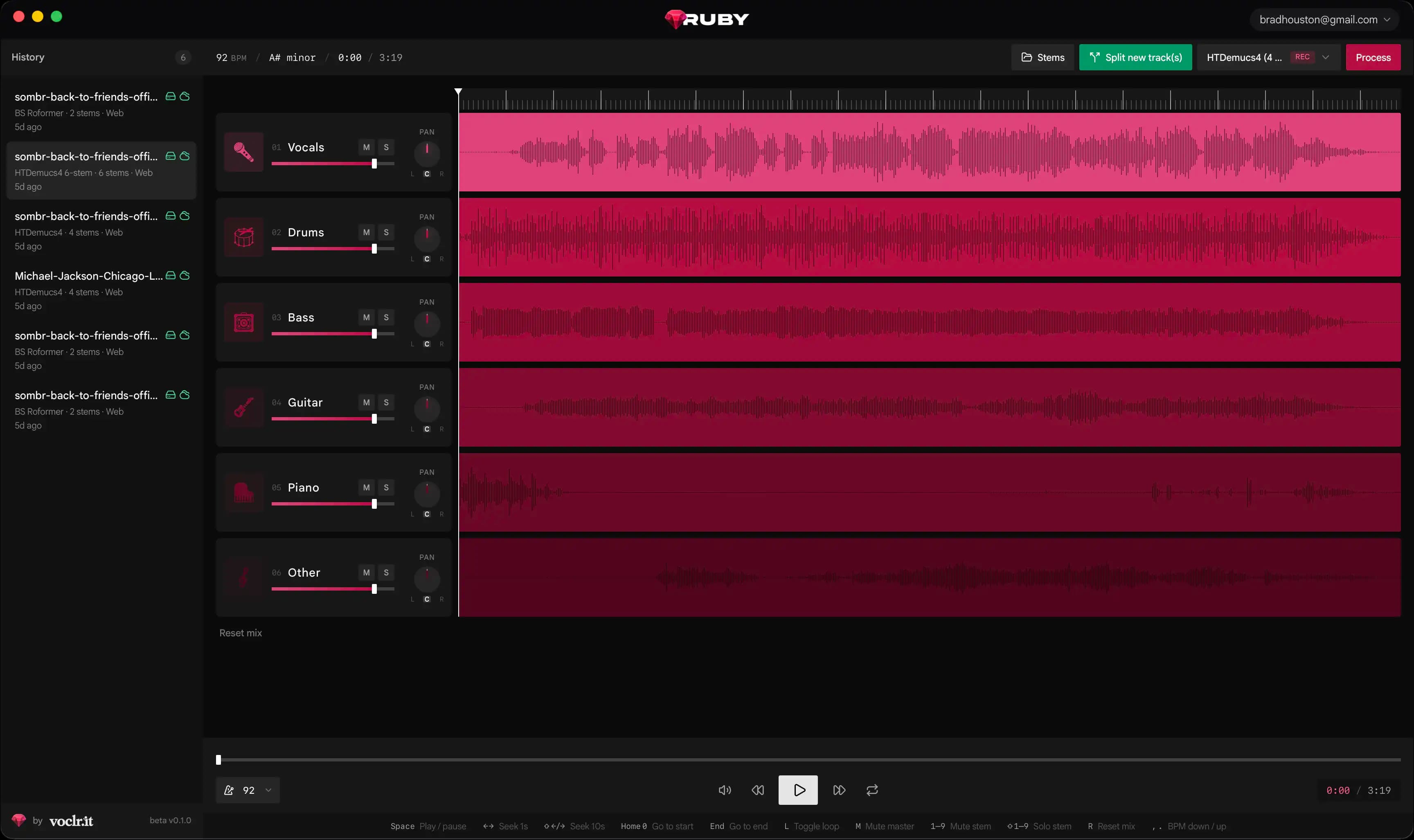
One app for every split
Ruby is where you manage the work. Run a model, keep the stems, open the job later. On Mac that library lives on this computer. You are not hunting zips on the desktop or wiring a new Python folder for each mix.
DJs, producers, and researchers use the same studio. Preview in the mixer, export what you need, try another model on the same file. One place for the splits you actually keep.
For DJs
Pull vocals and instrumentals for a set. Hear them in Ruby, then bounce stems for the booth or the USB.
For producers
Lift guitar, piano, drums, or a vocal out of a mix. Rebuild around the part you want, or run a second model if the first pass is messy.
For researchers
Compare HTDemucs and Roformer on the same source. Keep every output in one library instead of a pile of scripts and folders.
The models, in one place
Ruby is open for everyone to use. You do not need to clone repos, fight Python, or keep five tools around. The popular open source splitters live here: HTDemucs, Roformer, 4-stem and 6-stem, plus dedicated vocal paths.
Pick a model, run the split, stay in the studio. If one pass leaves residue, try another on the same mix. Ruby is the control room for the models people already trust.
HTDemucs4
Four stems: vocals, drums, bass, other. The fast default when you want a clean split of a full mix.
HTDemucs4 6-stem
The same Demucs stack, with piano and guitar pulled out as their own stems when the arrangement needs it.
BS Roformer
Strong on vocals and a usable instrumental. Reach for this when the singer has to sit in front.
MelBand Roformer
A second vocal path. Useful when HTDemucs leaves residue, or you want another take on the same mix.
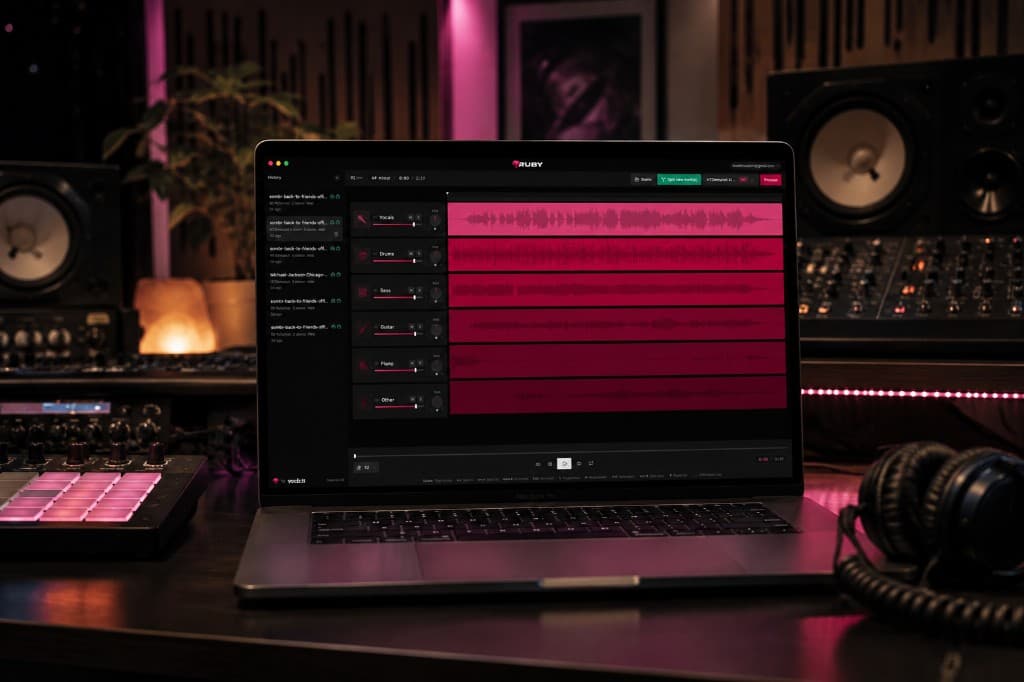
Mac app. Your GPU. No credits.
The Mac app runs the same models on this computer. Your mix never goes to Voclr workers. Voclr Pro members get unlimited local splits. First launch downloads the engine and the default model. After that you can work without sending audio out.
Finished jobs land in the same library as web splits, so you can open a local job in the browser later, or the other way around. Same studio, same account.
- Apple Silicon or Intel, macOS 12 or later
- Unlimited splits on this machine, 0 credits
- Same mixer and models as the website
Sign in with Voclr to download.
Web app. Any browser. Ten credits.
Anyone can open Ruby in a browser. No install. Voclr GPUs run the split, then you mix in the same studio as the Mac app. Ten credits a job unless your plan is unlimited.
Use it on a session laptop, a friend's machine, or anywhere you are not at your Mac. Queues can slow down under load. The models and the mixer do not change.
Uses your Voclr credit balance. Unlimited members are not charged.
One Voclr.it subscription. Many services.
Ruby comes with your Voclr.it membership. You are not buying a separate stem app. One account, one bill, then the tools audio people actually use: vocals on voclr.it, stems in Ruby, plus the rest of the family.
Sign in once. Credits, Pro, and finished jobs follow you between the website and the Mac app. Same login for every Voclr service.
Voclr.it
The membership. Vocal tools, credits, and the account that opens everything else.
Ruby
Stem splitting in the browser and on Mac, bundled in. Pro members get unlimited local splits.
More in the family
AudioMeta, Trackfeed, and AudioNode sit on the same Voclr world. One subscription, many desks for audio enthusiasts.